
Account settings
Your name, password, theme, and deleting your account.
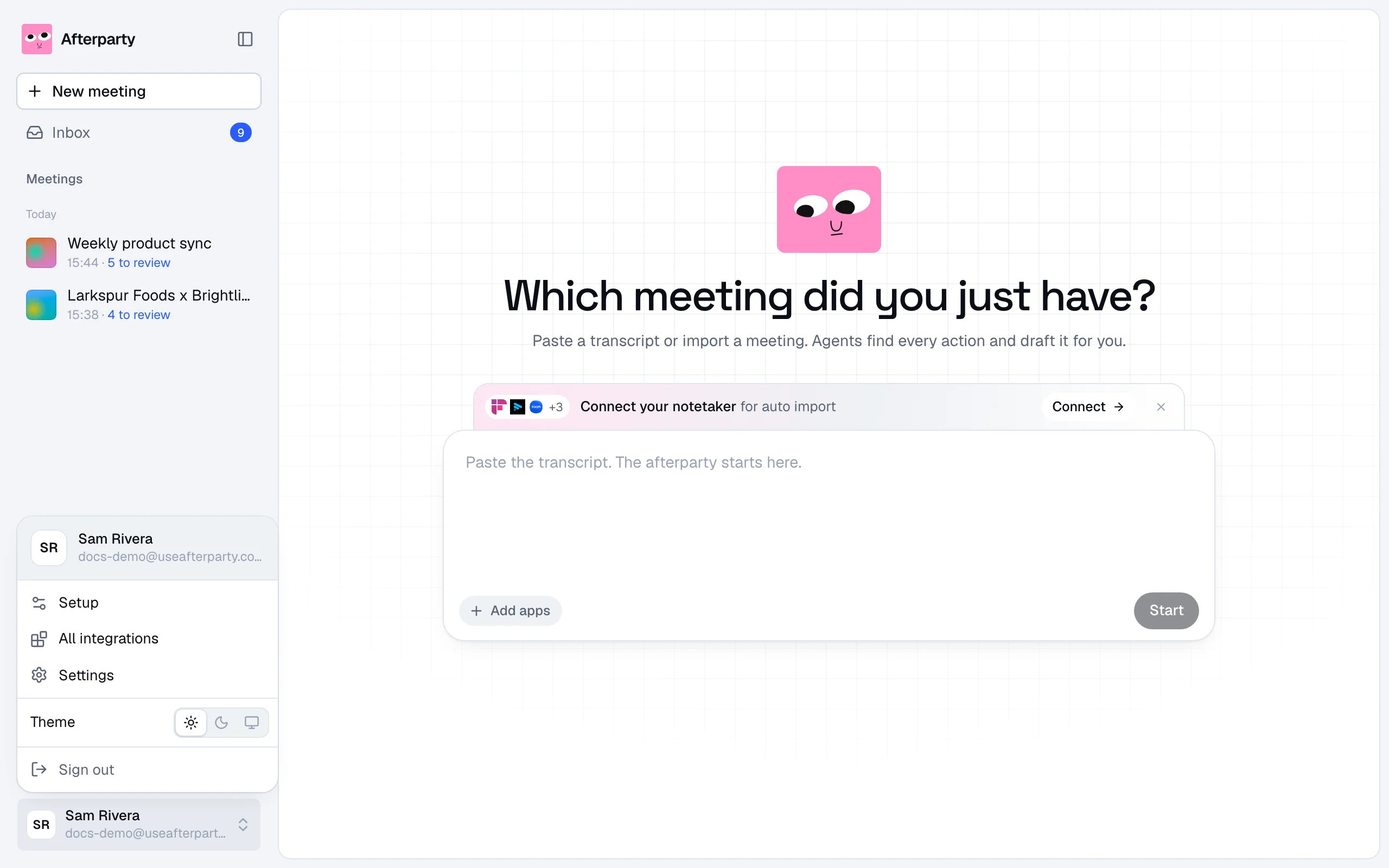
Click your name in the bottom left corner to open the account menu. From there you reach Setup, All integrations and Settings, pick a theme, and sign out.
Your name
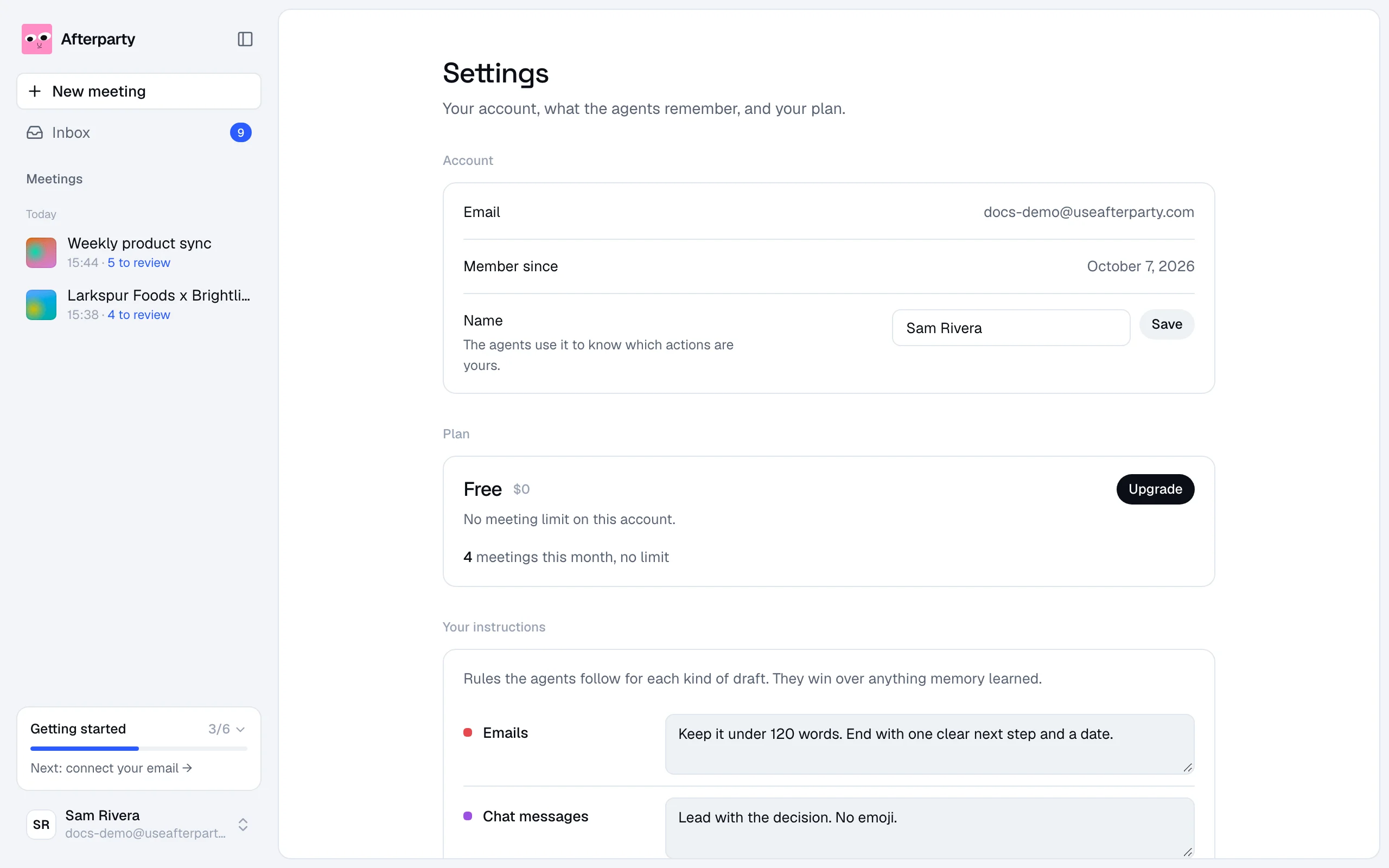
In Settings, under Account. The agents use it to know which actions in a meeting are yours, so use the name people call you in meetings.
Light or dark
In the account menu, pick Light, Dark or System to follow your computer.
Password
To change it, go to Settings, fill in your current password and a new one of at least 8 characters, and click Change password. Forgot it? Click Forgot? on the sign in page and we email you a link to set a new one.
Delete your account
At the bottom of Settings, click Delete account and type your email to confirm. Your meetings, drafts, memory and settings are removed, your plan ends, auto import stops and every app is disconnected. Anything you already approved stays where it landed, such as an email draft in Gmail.